Running RStudio Browser Workspaces
Introduction
This workload does not require any previous setup to run.
However, if you plan on running code in this workspace (as opposed to just managing a conda environment).
| Rstudio Browser workspaces may require at least 0.5GiB of free RAM. Read more. |
End Goal
-
Submit and manage Rstudio Browser workspaces using the Run:AI web UI.
-
Connect to your Rstudio Browser workspace.
-
Choose your kernel for running your code with your configured conda environment.
Submitting a Rstudio Browser Workspace
-
Enter Run:AI web UI. If you are not logged in - click CONTINUE WITH SSO and fill in your BGU username and password.
-

-
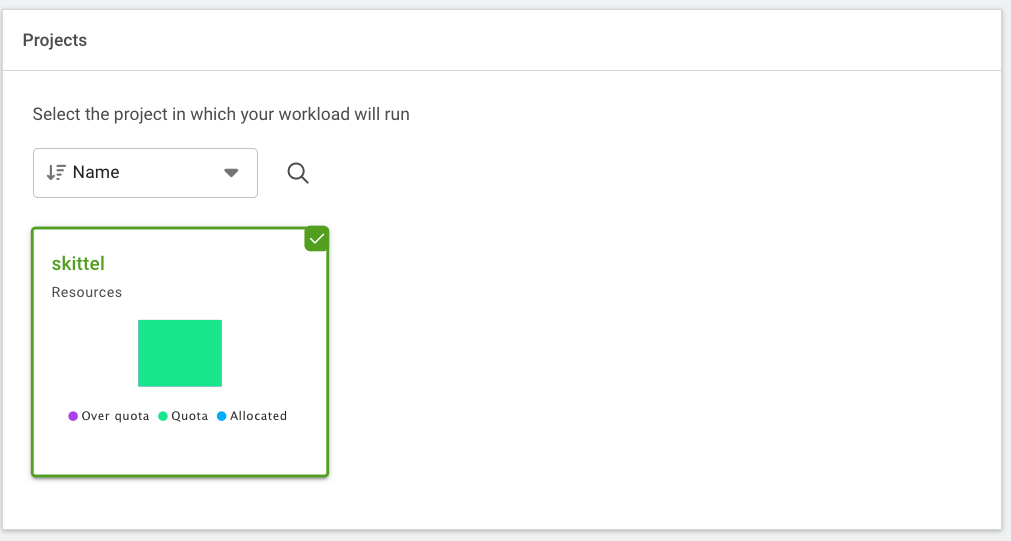
Choose the project configured under your name.
-
Choose the rstudio template.

-
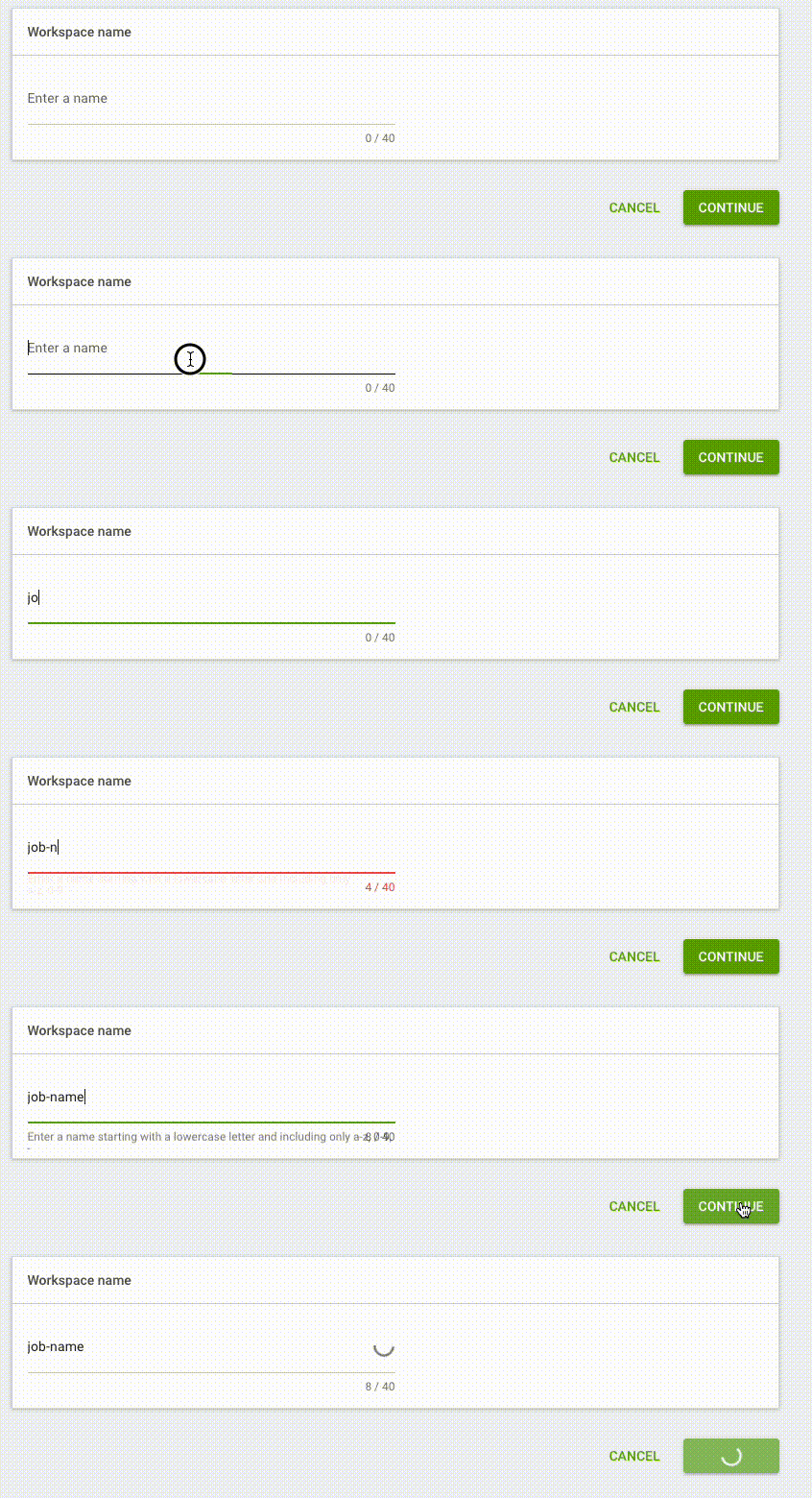
Choose a name for your workspace and click CONTINUE.
-
Wait for the page to reload and then scroll to the bottom and click CREATE WORKSPACE.